Xcode project
Xcode project
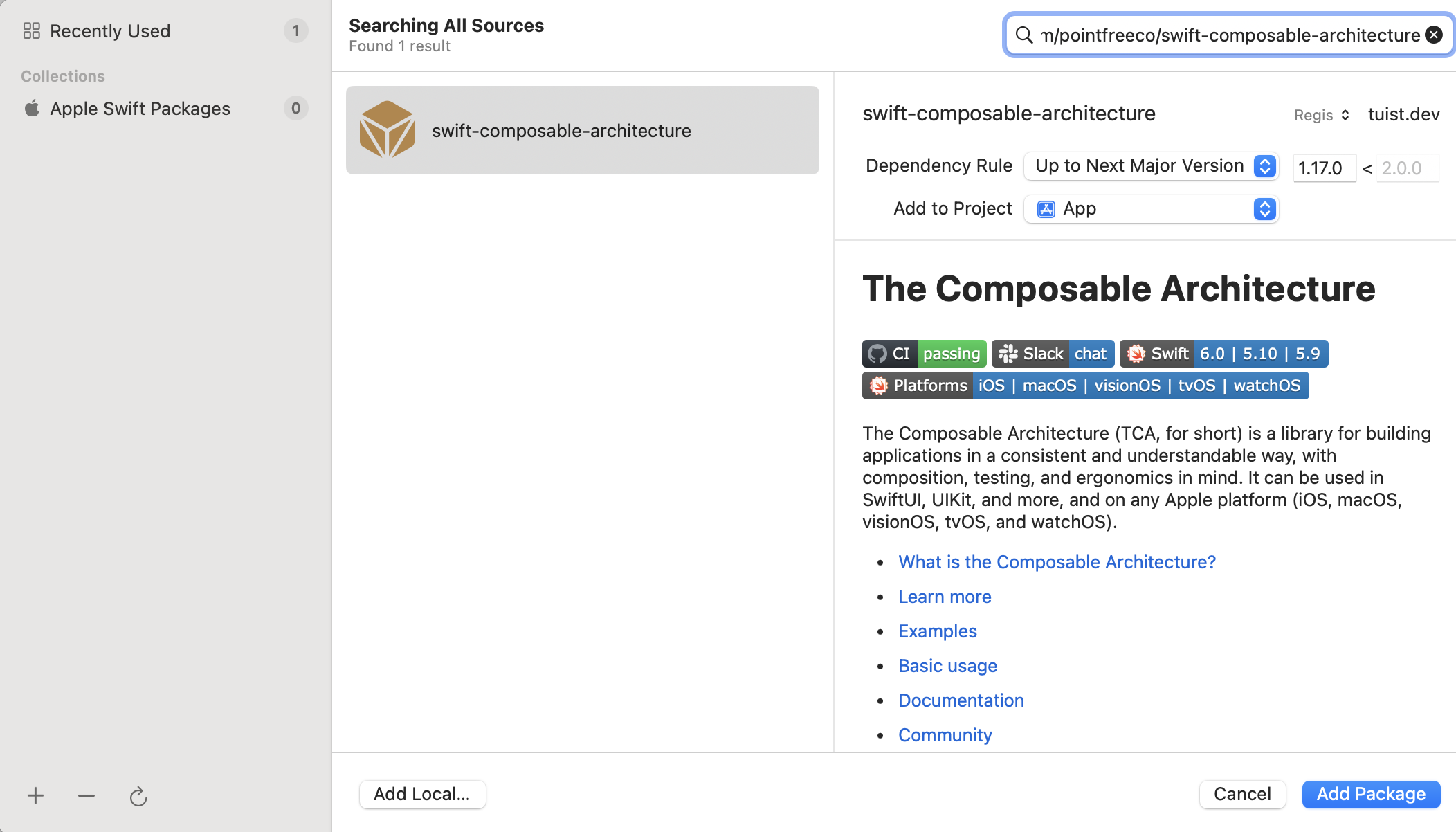
Section titled “Xcode project”To add packages using the registry in your Xcode project, use the default Xcode UI. You can search for packages in the registry by clicking on the + button in the Package Dependencies tab in Xcode. If the package is available in the registry, you will see the tuist.dev registry in the top right: